
Create your first LinkedIn carousel with JOHANNES
Result: a carousel tied to an audience, a goal, an editorial angle, your tone of voice and your visual direction.
A standalone mission, outside the tracks: you start from a topic spotted in your monitoring or your feed, not from an existing post.
Start from a topic that already sparks reactions
A news item, an X post, a product announcement, a discussion that could interest your audience: do not try to write the carousel in your monitoring tool. Simply paste the raw content into BAM, even if it is incomplete, messy or written in a tone that is not yours.
« I want to create a carousel from this news item. Here is what I spotted: [paste the post, the link, the excerpt or your notes]. »Real example, the one of the carousel shown below: an X conversation announces the upcoming release of Astra and raises questions about AI capabilities, cybersecurity and guardrails.
You are ready when the topic is in BAM, with its original context.Give the carousel an intent
A news item is not yet a content angle. Before generating, say what you are trying to get: explain a market shift, start a discussion, show your expertise, get meeting requests. Do not just ask "make me a carousel about this topic": state the spotted topic, the expected marketing outcome, the audience you want to reach if you know it, and the position you want to defend.
« I want to explain why this news matters for [your audience]. Goal: [the expected marketing outcome], defending [your position]. »Real example: "I want to explain why this news matters for B2B agencies and marketing teams. Goal: start a discussion with decision-makers who want to use AI without losing control of their brand."
You are ready when BAM knows why this topic deserves to become a carousel.Let JOHANNES prepare the recommendation
JOHANNES reads your raw topic, connects it to your strategy and prepares a recommendation: the most relevant audience, a useful editorial angle rather than a news summary, a first-slide promise, a structure, a tone and a visual direction already tied to your project. The goal is not to relay every technical announcement: it is to sort what grabs attention from what is actually useful to your audience. Important: JOHANNES recommends the audience, but never chooses it for you. The audience, the goal and the topic stay visible in the brief: you confirm or change them before launching.
You are ready when the recommendation matches your strategy, your audience and the topic you want to cover.Check the card before generating
JOHANNES then prepares a proposal card: the topic, the recommended audience, the goal, the angle, the creation brief and the exact price. Nothing starts without your agreement: "Approve" if the brief matches your intent, "Refuse" to change the angle, or ask for a change in plain language. For example: "Keep the topic, but make the angle less technical. I want to talk about human validation, not cybersecurity." Or: "Keep the agency audience, but add a slide about the risks of publishing unverified information."
You are ready when you could defend the brief in front of your client or your team.Review: does the first slide make you want to continue?
BAM generates a carousel ready to review, edit, reorder and export. First check: the first slide must not merely announce the topic. Avoid "Astra: what you need to know". The real first slide of this example states the problem: "Astra is not the story. The real shift: what your clients will start demanding from your agency."
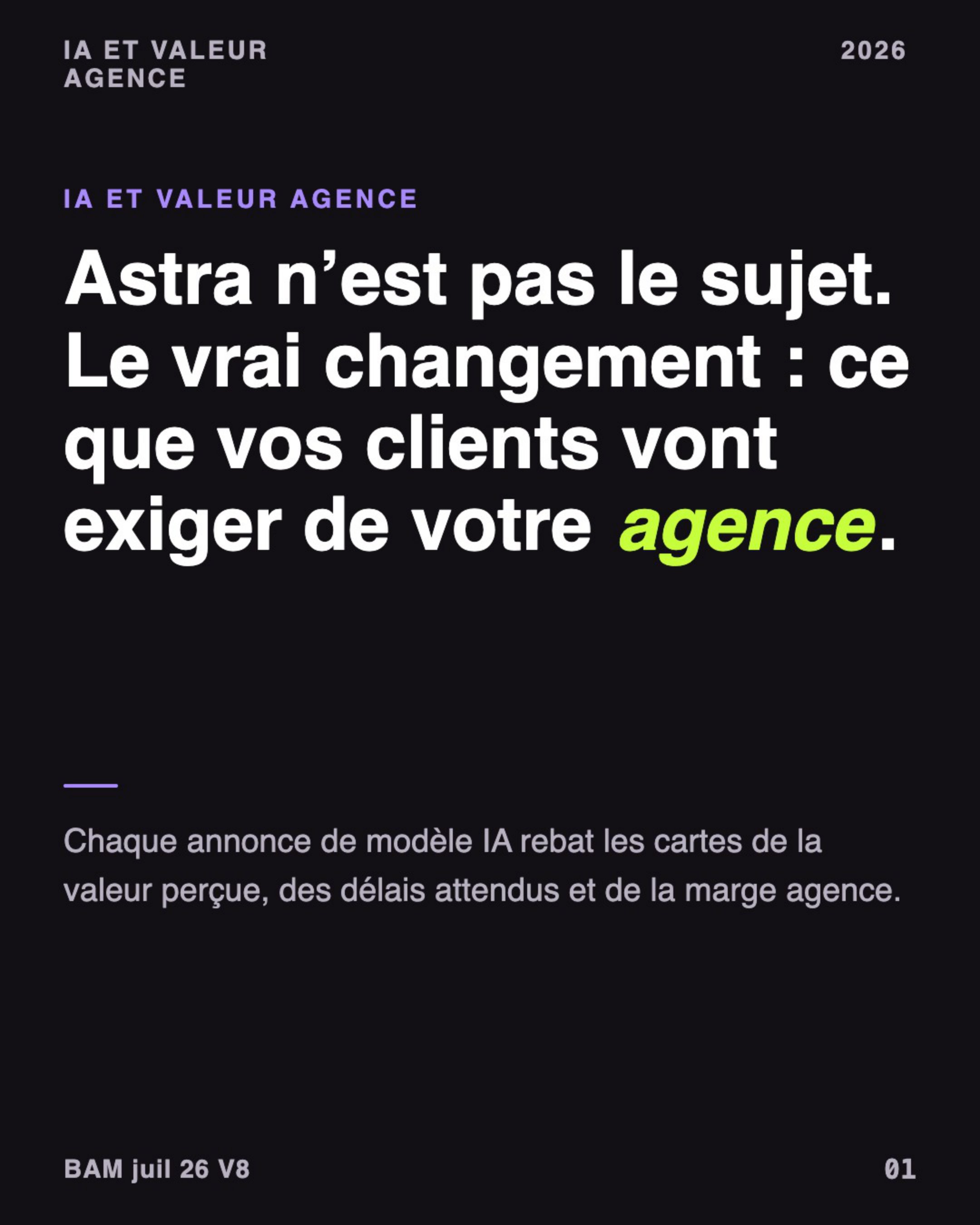
The first slide states the problem, it does not announce the topic. 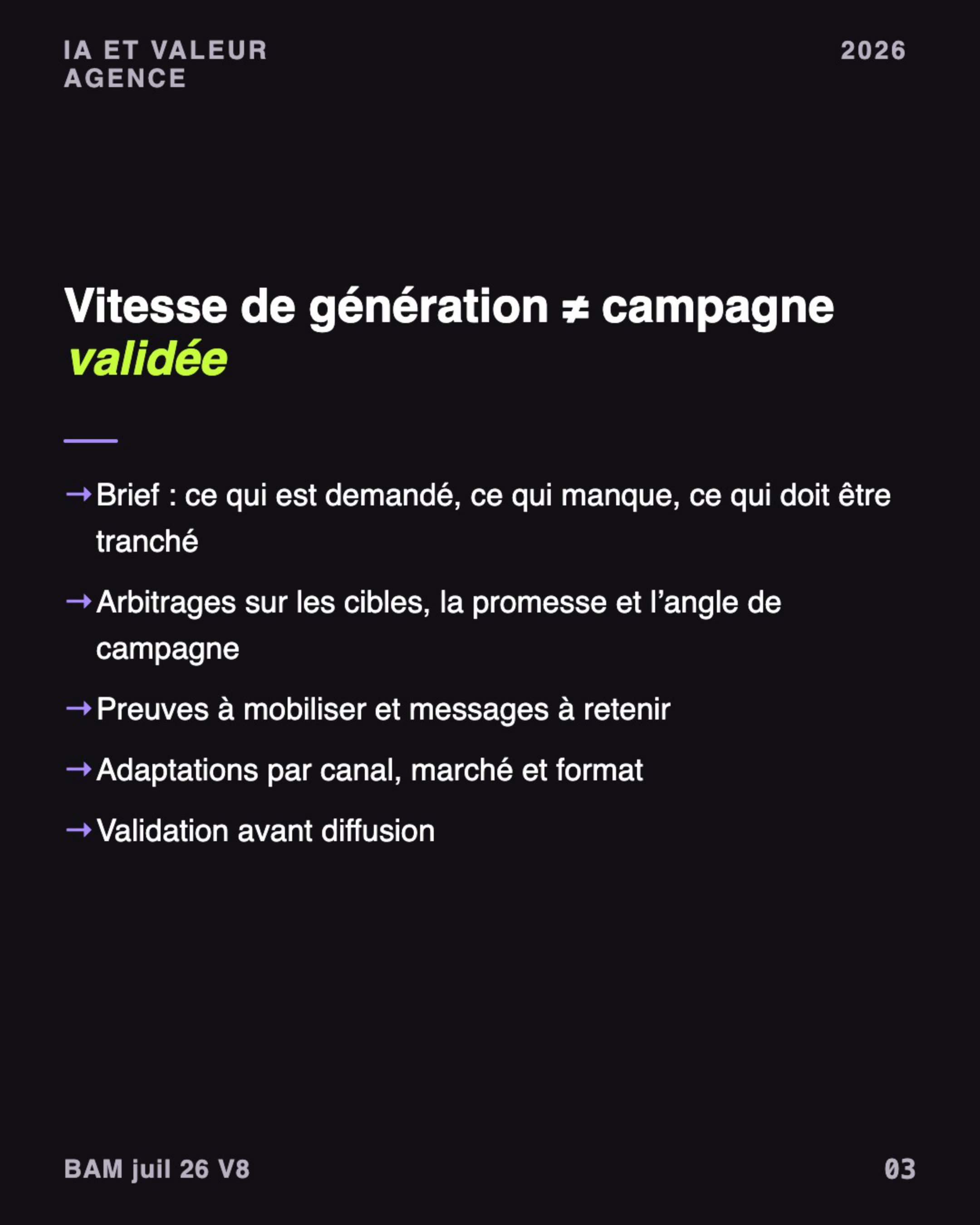
Each slide moves the reasoning forward, without repeating the previous one. 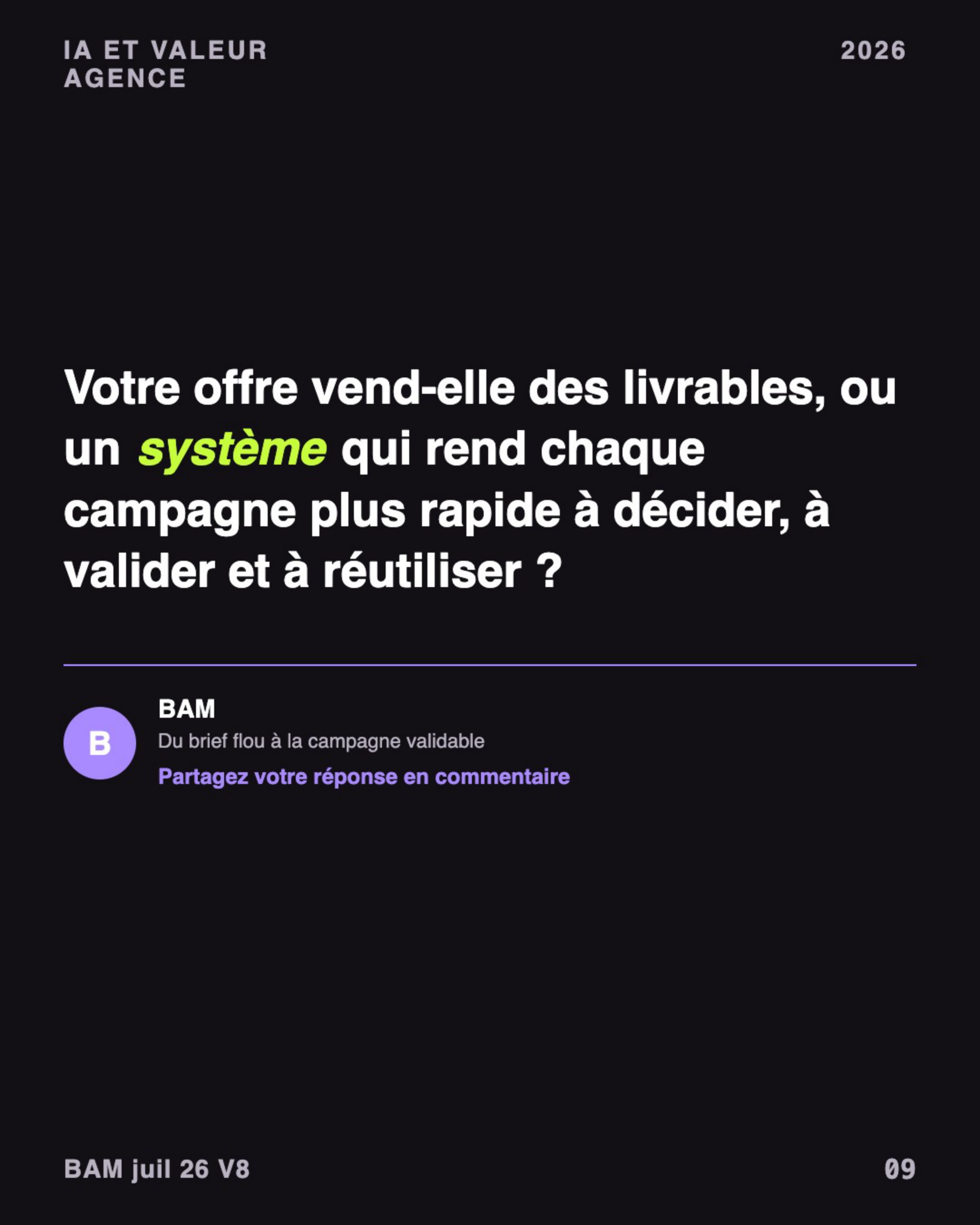
The last slide: one question, one single call to action. Does every slide move the reasoning forward?
A good carousel does not repeat the same idea with different visuals. A path that works: the news signal; what everyone risks publishing too fast; the useful question for your audience; the angle your brand can defend; the proofs or limits to verify; the decision to make before producing; a single call to action.
Are the sensitive facts nuanced?
A news item can be incomplete, dated or disputed. The useful point is not to assert spectacular capabilities without perspective: it is to explain that the announcement raises questions of control, verification and responsibility. If a claim cannot be verified, remove it or rephrase it.
Does the carousel look like your brand?
JOHANNES prepares the tone, the colors and the visual direction from your BAM system. Still check: a direct, concrete tone, no promise of total automation, readable slides, visuals that support the idea without decorating it, and a single call to action consistent with your goal. Need to adjust? Edit directly in the editor: select the page in the bottom strip, open the "Content" tab and rework the titles and key points.
You are ready when you would publish this carousel under your brand name, without rewriting it.Final checkpoint: verify before publishing
- The topic comes from an identifiable news item or a source I can reread.
- The audience is explicitly stated.
- The goal describes a marketing outcome, not just a format to produce.
- The angle brings a useful reading, beyond the news summary.
- Sensitive claims are verified, nuanced or removed.
- The first slide makes you want to swipe.
- The tone and colors match my brand.
- There is only one call to action.
Only tick what is true for this carousel. In doubt? Go back to the relevant step before publishing.
Publish, then tell BAM
Export your carousel (LinkedIn expects a PDF document) and publish it. Then click "I published this content": your library tells apart published content from what is still waiting for a validation. Published content stays tied to its audience, its goal, its angle and its brief: you know why it was created, and you do not start from scratch for the next one.
Your carousel is ready to publish
You started from a news signal, chose a marketing intent, checked an audience and validated an angle before producing.
Worth remembering: a trend is not a strategy. JOHANNES helps you connect the topic, the audience, the tone and the visuals. You keep the final decision.
Skill unlocked: turning a raw news item into LinkedIn content consistent with your brand strategy.
Discover the weekly campaign kit